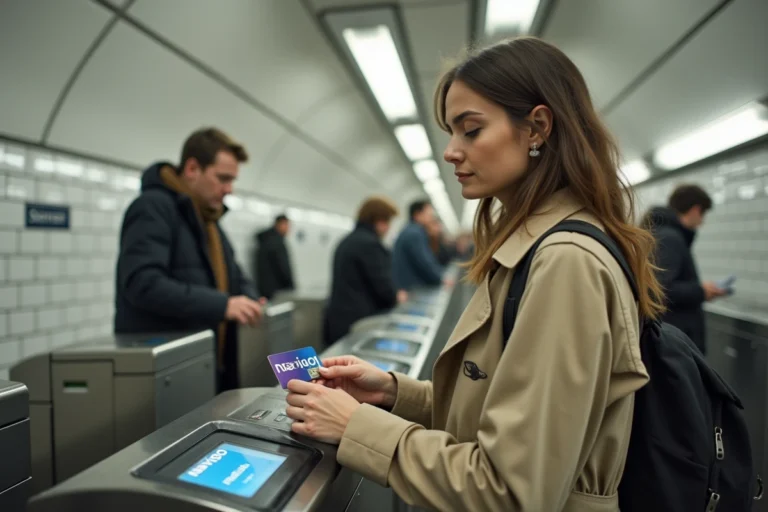
Finding an invoice after a checkout or a Drive order at Carrefour requires knowing where to look. Between the customer space on the website, the mobile app, and the paths reserved for professionals, the access routes differ depending on the buyer’s profile. This article compares these different channels to identify the fastest and most comprehensive one.
Mobile app, website, customer space: which channel provides access to what
Carrefour offers several entry points to view its proof of purchase. Not all provide access to the same information, and the confusion between them can waste time.
| Channel | In-store invoices (digital receipt) | Online order invoices (Drive, delivery) | Detailed purchase history | Related discount vouchers |
|---|---|---|---|---|
| Carrefour France App | Yes (digital receipt) | Yes | Yes | Yes |
| Website carrefour.fr (My Account space) | No | Yes | Partial (online orders only) | Limited |
| Confirmation email | No | Yes (summary) | No | No |
The Carrefour France mobile app concentrates most of the functions. It combines digital receipts, in-store purchase history, loyalty tracking, and discount vouchers. The website, on the other hand, is limited to orders placed online (Drive or home delivery).
For purchases in physical stores, only the app provides access to digital receipts. The carrefour.fr site does not offer this consultation. Anyone looking to retrieve a proof of purchase made at checkout must therefore use the mobile app.
Managing your invoice online at Carrefour is smoother from the app, which centralizes all proof of purchase under a unique identifier.
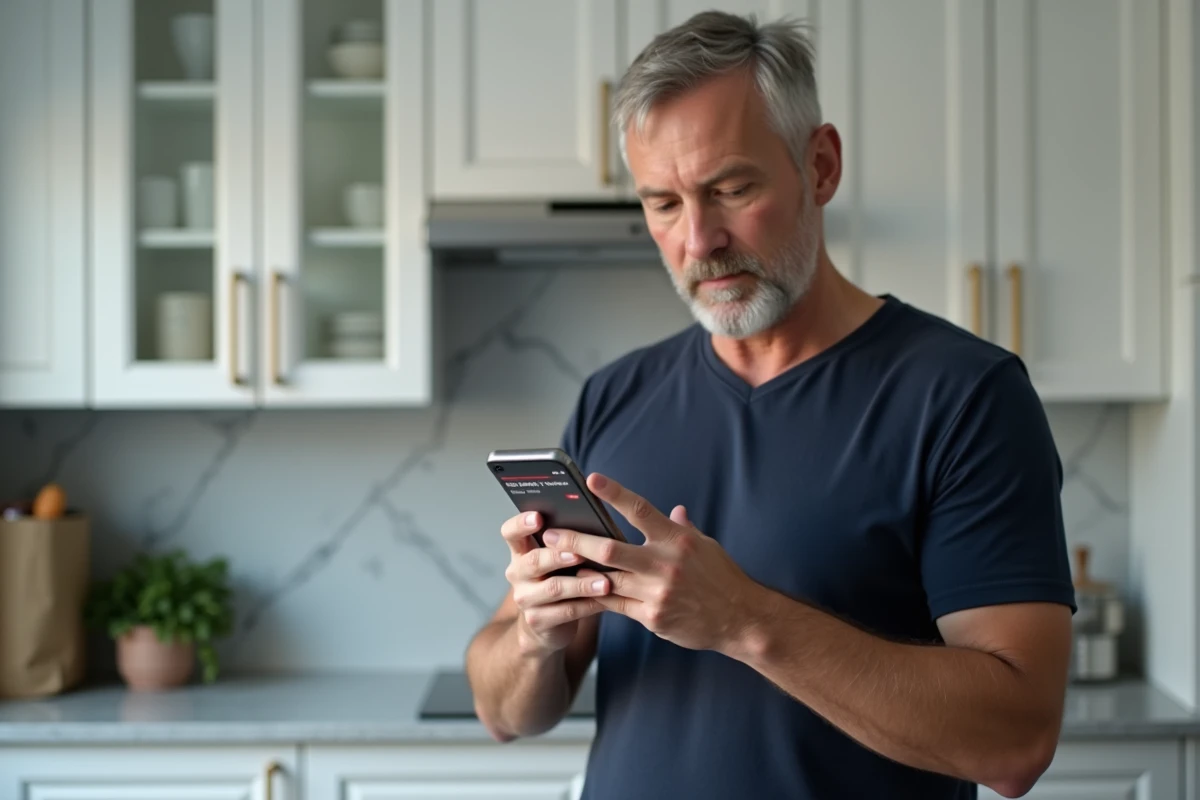
Digital receipt on the Carrefour app: a concrete process
The Carrefour France app (available on Android and iOS) has taken on the role of a digital vault for receipts. Here’s the typical process to retrieve a proof of purchase.
- Open the app and log in with the identifier linked to the Carrefour loyalty card.
- Access the section dedicated to purchase history, where receipts are listed by date.
- Select the desired receipt to display the details of the products, amounts, and any loyalty benefits applied.
The loyalty card must have been scanned at checkout for the receipt to appear in the app. Without this step, no digital receipt will be generated, even with an active account.
This point is the first source of frustration reported by users. A purchase paid for without scanning the card remains invisible in the digital history, and no retroactive recovery is possible via the app.
Drive orders and home delivery
For online orders, tracking is simpler. Each order generates a summary accessible from the My Account space, both on the app and the website. The proof includes the delivered items (and not those ordered, in case of a substituted or withdrawn unavailable product).
The billed amount may differ from the initial order amount if substitutions or stock shortages occurred. Comparing the summary received by email with that displayed in the customer space allows for quick identification of these discrepancies.
Carrefour invoice for professionals: a distinct process
Professionals (SMEs, associations, administrations, employee representative bodies) do not follow the same circuit as individuals. Carrefour provides dedicated tools for managing professional invoices, with specific compliance requirements.
For Carrefour suppliers, a structured electronic invoicing process is in place. It involves mandatory registration on the SAP Ariba platform, issuing prior purchase orders, and sending invoices compliant with specific rules (mandatory mentions, format, addressing).
No supplier invoice is processed without a prior purchase order. This constraint, documented by Carrefour, avoids disputes but requires partners to never engage in service before receiving the formal purchase order.
Mandatory electronic invoicing: what changes
The gradual rollout of electronic invoicing in France also affects the relationships between Carrefour and its partners. Carrefour has already initiated a compliance project (commitment questionnaire, sending test flows via an approved platform, compliance diagnosis). This system currently concerns suppliers, but it foreshadows a possible evolution for professional customers.
Administrations and local authorities purchasing from Carrefour already use Chorus Pro for processing their invoices. The professional invoicing process remains separate from the public customer space, meaning that a small business manager will not find their professional invoices in the standard mobile app.
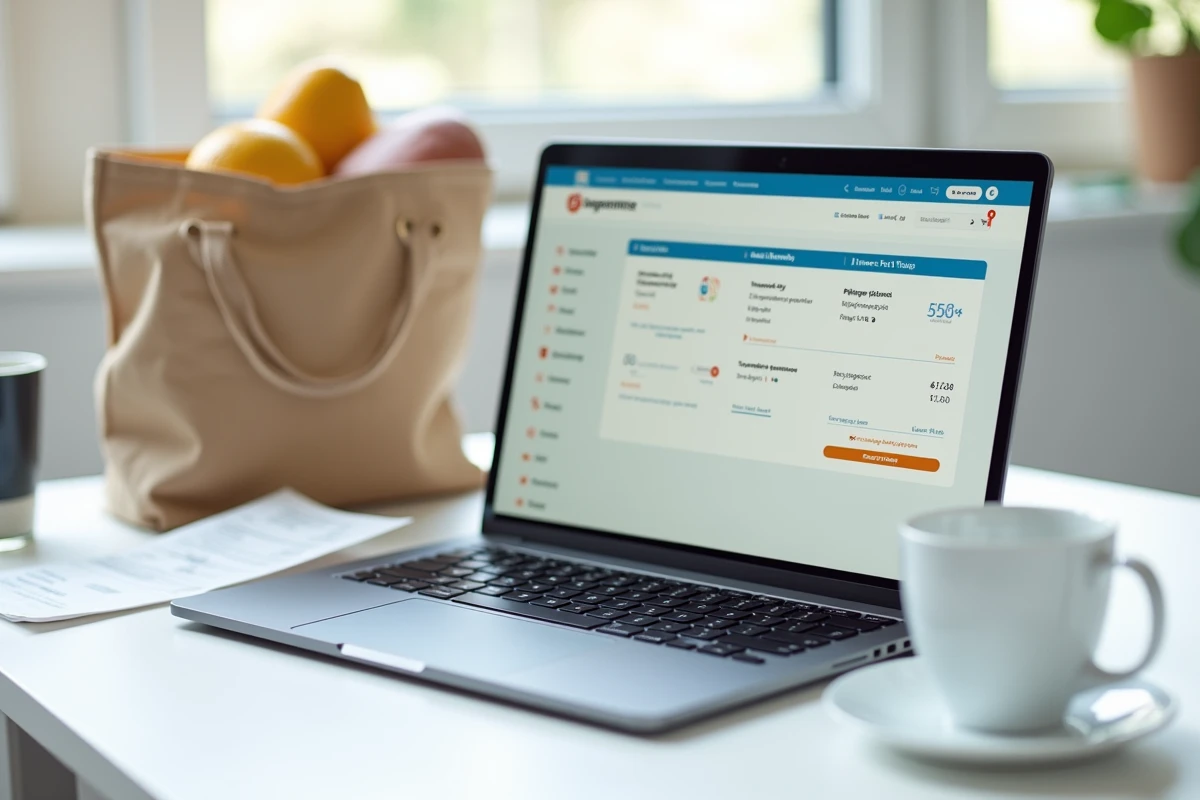
Unique identifier and centralization: what the Carrefour account really groups
Carrefour uses a unique identifier to link the different services: Drive, delivery, loyalty, in-store history. This system allows for later retrieval of orders and their proofs without keeping confirmation emails.
However, this centralization has a concrete limit: it only works if all purchases are made with the same account. A Drive purchase made with a different email address than that of the loyalty account will not appear in the same history.
- Check that the email address of the online account matches that linked to the loyalty card.
- If in doubt, contact Carrefour customer service to merge the accounts.
- Keep the confirmation email as a safety net, even if the proof is accessible online.
A well-configured unique identifier eliminates the need to keep paper receipts. The condition: having linked the loyalty card and online account from the moment the profile was created.
Tracking purchases at Carrefour relies on a simple but often overlooked prerequisite: consistency between the loyalty card, email address, and online account. Without this alignment, digital receipts, history, and order invoices remain scattered across multiple interfaces. Checking this consistency just once resolves most access difficulties to proofs.